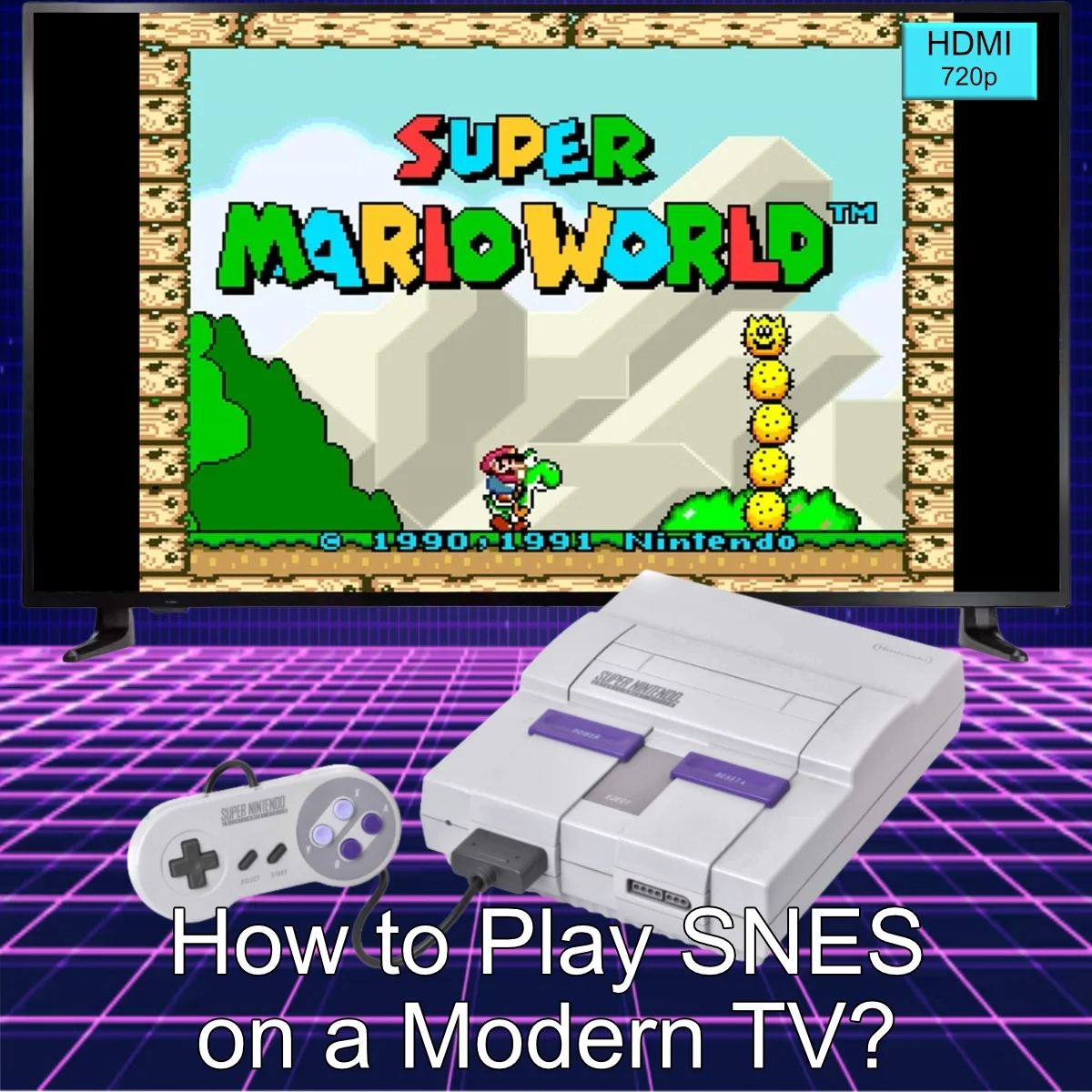
Retro gaming is booming, but playing your Super Nintendo (SNES) or Super Famicom games on a modern TV can be tricky. Old consoles weren’t designed for HDMI TVs, and the right adapters or hardware are essential to enjoy your games without lag or poor picture quality.
Options to Play SNES Games Today
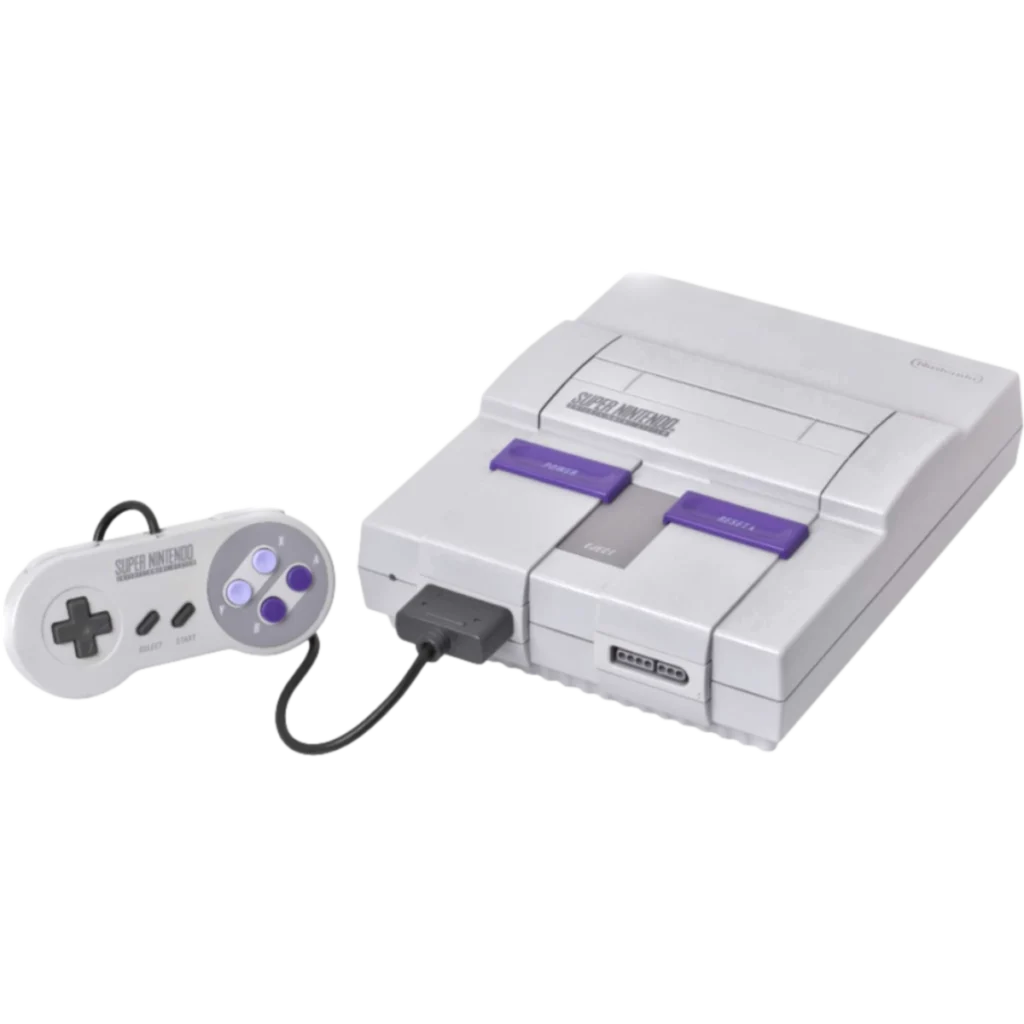
1. Original SNES with Adapters
You can connect your original SNES using AV-to-HDMI adapters. This method preserves the authentic hardware experience but may introduce minor lag on some TVs.
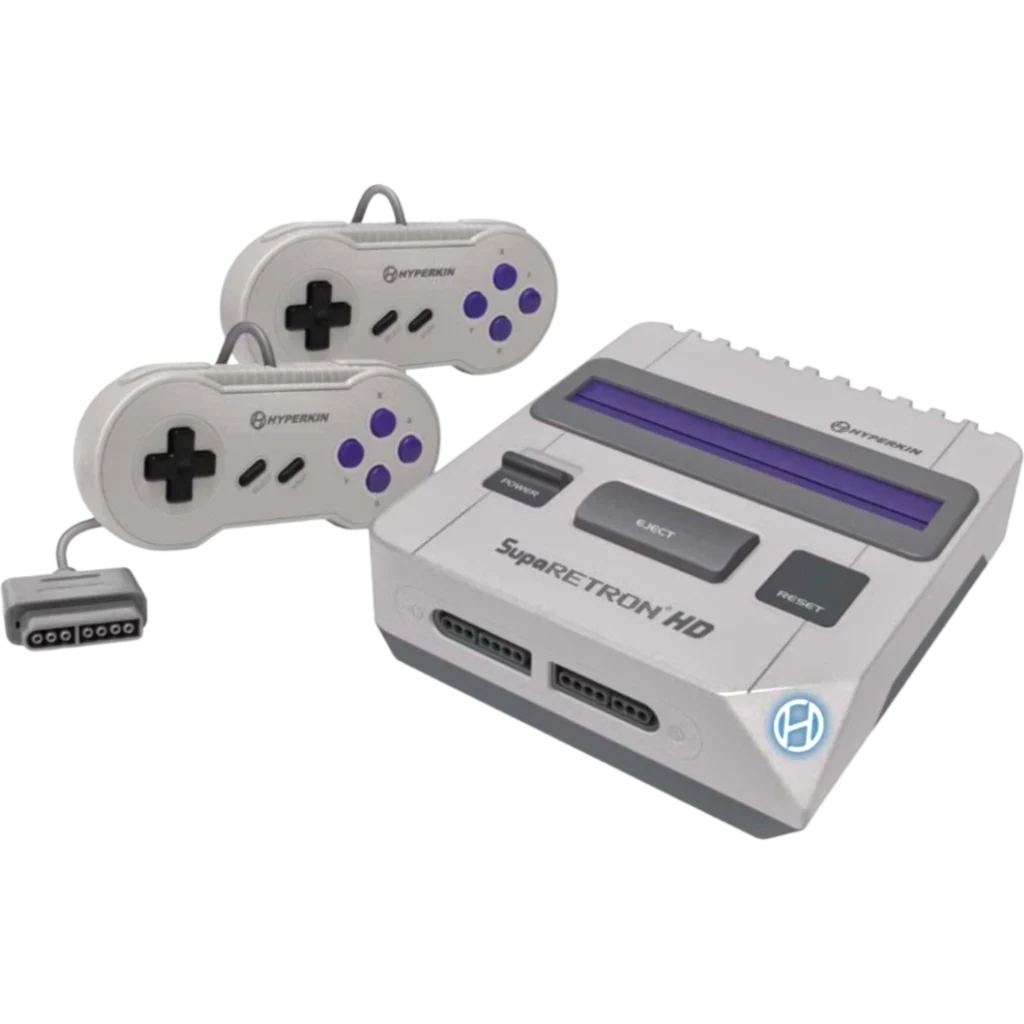
2. Clone Consoles: SupaRetroN HD
The Hyperkin SupaRetroN HD (view product) is a modern HDMI-ready console that plays both SNES and Super Famicom cartridges. Plug-and-play with modern TVs, it offers crisp video and zero-fuss setup.
3. Emulators
Software emulators can also run SNES games on your PC or streaming devices. However, they may require ROMs and don’t provide the tactile experience of original controllers or cartridges.
Step-by-Step Setup for SupaRetroN HD
- Connect the SupaRetroN HD to your TV via HDMI.
- Insert any SNES or Super Famicom cartridge.
- Connect the included controllers.
- Turn on the console and enjoy retro gaming in HD.
Tips for Better Performance
- Use the “Game Mode” on your TV to reduce input lag.
- Ensure HDMI cables are fully plugged in.
- For multiplayer, only two players are supported on the SupaRetroN HD.
Conclusion
Whether you prefer original hardware or modern clone consoles, you have options to bring SNES games to your living room. For a hassle-free HDMI experience, the SupaRetroN HD is a top choice.